Featured Articles
Windows Server
Connect to a KVM host through an ssh tunnel and arbitrary port in Windows 11 and WSL 2
Connect virt-manager to a KVM host through an ssh tunnel and arbitrary port in Windows using Windows 11 and WSL 2.
Windows Server
Connect virt-manager to a KVM host through an ssh tunnel and arbitrary port in Windows using Windows 11 and WSL 2.
Windows Server
Last updated:
DevOps in Windows: In this post I describe some of the settings and changes I made to make my Windows 11 and Ubuntu WSL2 into a fully fledged development environment. Here are the settings and tools I use for DevOps / SysOps on Windows.
Windows Server
Last updated:
YubiKey support in ssh for Windows: secure your Windows environment by moving SSH private keys to hardware. Learn how to configure YubiKey FIDO2/U2F support in native OpenSSH, manage the ssh-agent, and eliminate file-based credential risks.
Security, Windows Server
Last updated:
Get SSH public keys from Windows Server Active Directory. Storing pubkeys gives you a single location where you manage public SSH keys instead of on numerous separate servers. This is easier than distributing and managing numerous unmanaged authorized_keys files across your network and servers.
Windows Server
Last updated:
Here is how you can share your SSH keys between Windows 11/10 and WSL 2 if you don't want to copy over your ssh keys from Windows to WSL 2 Linux, or generate new ones.
Windows Server
Last updated:
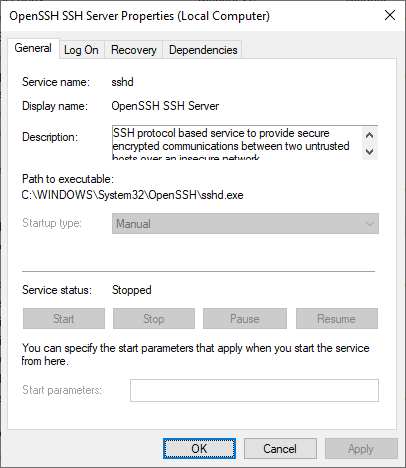
Learn how to install and enable the built-in OpenSSH Server on Windows, customize its installation directory and configure your sshd_config file.
Windows Server
Last updated:
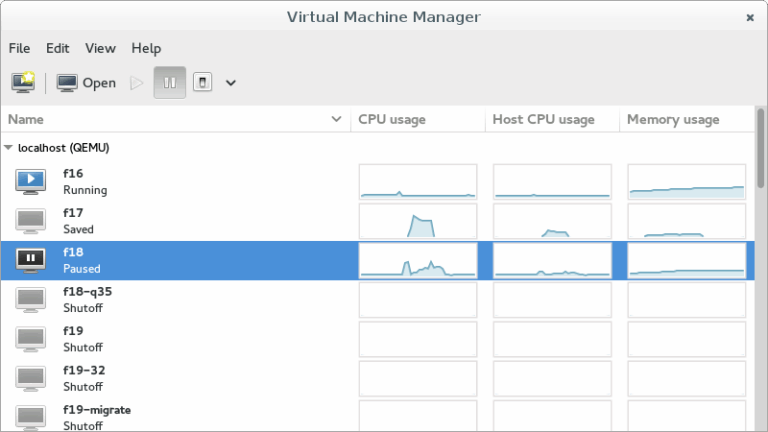
In this post, I will show you how to connect to your KVM VMs (virtual machines) in Windows 10 via SSH using virt-manager (Virtual Machine Manager) and qemu+ssh://. This allows you to manage your virtual machines from Windows.
GNU/Linux
Last updated:
When using recursive scp, symbolic links aren't preserved but copied as normal directories. Use tar over ssh to transfer symlinks.
Windows Server
Last updated:
Tunnel Remote Desktop over SSH with PuTTY: Have you ever been in a situation where you needed to perform remote administration on a Windows Server, and the RDP port 3389 is blocked on a firewall? You can tunnel RDP over SSH with PuTTY 🙂