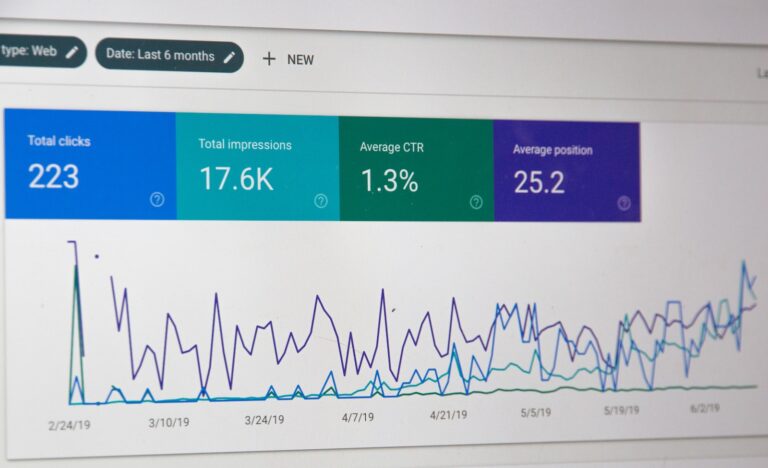
Query all WordPress posts in MySQL not having a Yoast SEO meta description
Query all posts in WordPress not having a Yoast SEO meta description yet. You can run this on your MySQL prompt or in phpMyAdmin

A web application is application software that runs on a web server, unlike computer-based software programs that are run locally on the operating system of the device. Web applications are accessed by the user through a web browser with an active network connection.
Query all posts in WordPress not having a Yoast SEO meta description yet. You can run this on your MySQL prompt or in phpMyAdmin

Out of the box, Umbraco is a well built and pretty fast content management system. However, it is still important you perform some steps to further optimize Umbraco's performance and loading speed.
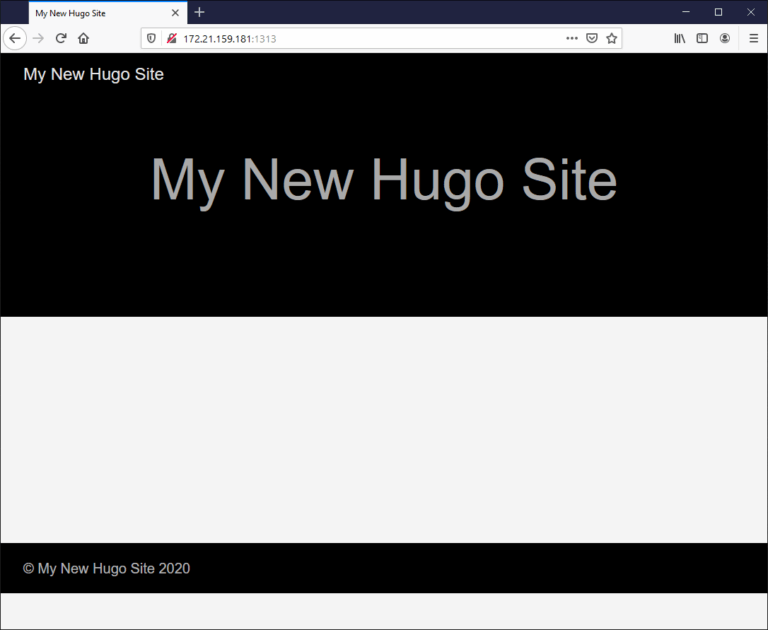
Using WSL 2 it is pretty easy to install Hugo in Windows, setting up your local webdevelopment environment and configure Hugo to listen on your Ubuntu's IP address, here is how.
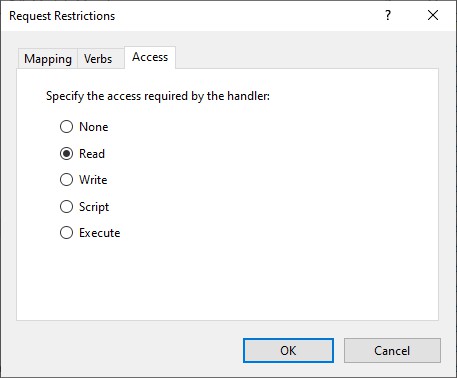
Securing the WordPress uploads folder is important. In many hacked WordPress sites, a PHP backdoor is found within the WP_CONTENT_DIR/uploads directory. Often because this is the location where uploads are placed automatically. From the backdoor within wp-content/uploads other backdoors are uploaded to various locations, and scripts are injected with malware.

Umbraco 7 is a popular, ASP.NET powered, content management system (CMS). Out of the box Umbraco performs pretty well, but there are still some areas you need to tweak and tune for a more performant Umbraco website. Here are 11+ tips.

Since Apache 2.4.6, a new module is used to configure and set up access control for websites: mod_authz_core. This means you have to use a different syntax for allowing or blocking hosts and IP addresses to your website. Apache Access Controle done right in WordPress .htaccess.

How to increase the memory limit for your WordPress website, the right way. In this post I show you a correct way of setting WordPress WP_MEMORY_LIMIT and PHP memory_limit settings to improve Wordpress speed & performance.
How to protect your WordPress from brute-force XML-RPC attacks, because the WordPress XML-RPC API has been under attack for many years now.

Remove Jetpack email sharing service using WordPress plugin or theme functions.php file. It's often abused by spammers

Check WordPress integrity and verify WordPress Core files' md5 checksums against WordPress' checksums API, using this standalone PHP file.

WordPress core-, plugin- and theme updates sometimes fail because of enabled opcode caches in PHP. Popular PHP opcode caches are OPcache, WinCache and APC. This little WordPress Must Use Plugin tries to flush opcode caches. Making your live a bit easier when updating WordPress Core, Plugins and Themes.

Gzip compress and serve WP-Super-Cache or Cache Enabler static HTML files, to supercharge your WordPress blog!
This post describes the Akal premium WordPress theme Cross Site Scripting (XSS) vulnerability. If you use this theme, delete it immediately!

9+ Practical tips to optimize WordPress hosting - or for any other PHP web application for that matter. Learn optimizing your WordPress hosting

How to fix upgrades to Magento 2.0 in PHP 5.6 and higher: PHP 7+.

Optimize PHP's OPcache configuration and make OPcache perform even better. After configuring and optimizing PHP's realpath_cache_size, the OPcache cache mechanism is the next step to fine-tune. With just a few tweaks you tune OPcache to perform much better

Do you host your WordPress website on Windows Server IIS? And are you having trouble with your web.config? Here's mine :)
A change in PHP's default_charset php.ini setting causes HTML output to break if you try to set a different charset in your HTML head. It also might break functions like htmlentities() and htmlspecialchars().
Learn how to optimize PHP performance by checking and setting PHP realpath_cache_size. The realpath_cache_size size represents the total number of bytes in the path strings stored, plus the size of the data associated with the cache entry

Exploit PHP’s mail() function for remote code execution. Apparently, if you are able to control the 5th parameter of the mail() function ($options), you have the opportunity to execute arbitrary commands.