DevOps
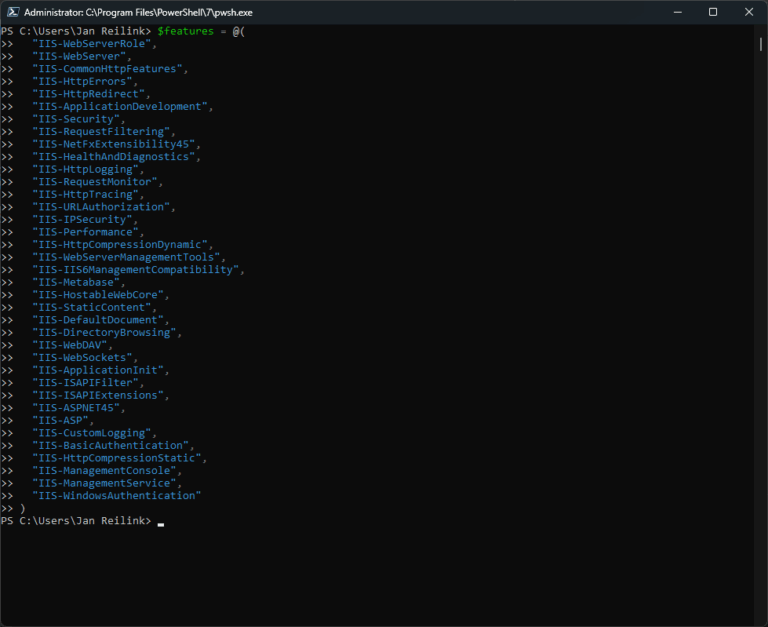
Install IIS in Windows 11 using PowerShell
Have a need for IIS in your Windows 11 development station, and now you wonder how to install IIS? Here I describe how you can easily install IIS and some modules using PowerShell
Send email with PowerShell
Easily send your DevOps reporting by email with this PowerShell function, because the Send-MailMessage cmdlet is obsolete. Of course you'll be using StartTLS and authenticated SMTP as additional security.
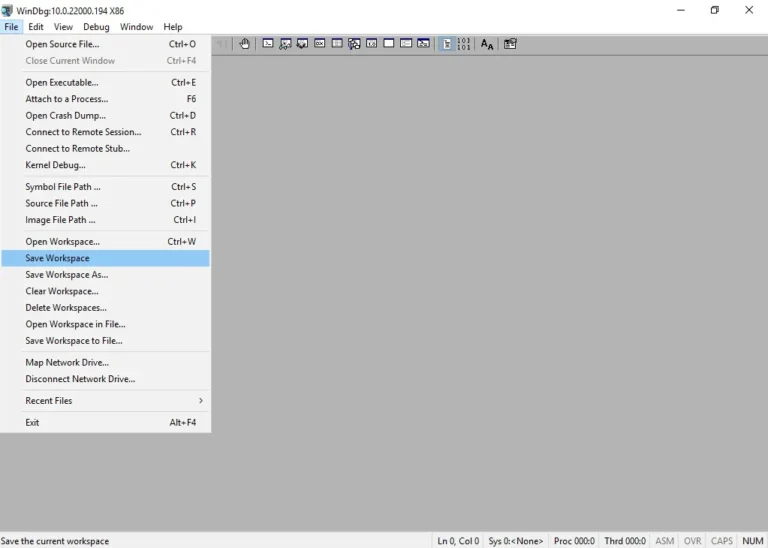
Configure Windows Debugging Symbols in WinDbg
Set up debugging symbols for WinDbg in Windows and debug BSOD like a boss. Set symbol path for WinDbg.
Extract files from an MSI package
Stop hunting for command-line arguments. Learn the definitive way to extract files from an MSI package using the msiexec /a switch, TARGETDIR, and PowerShell for automated deployments.
Connect to a KVM host through an ssh tunnel and arbitrary port in Windows 11 and WSL 2
Connect virt-manager to a KVM host through an ssh tunnel and arbitrary port in Windows using Windows 11 and WSL 2.
Windows 11 and WSL 2 DevOps environment
In this post I describe some of the settings and changes I made to make my Windows 11 and Ubuntu WSL2 into a fully fledged development environment. Here are the settings and tools I use for DevOps / SysOps on Windows.
YubiKey support in OpenSSH for Windows 11
Secure your Windows 11 environment by moving SSH private keys to hardware. Learn how to configure YubiKey FIDO2/U2F support in native OpenSSH, manage the ssh-agent, and eliminate file-based credential risks.
Install SQL Server cumulative updates silently
Learn how to install SQL Server cumulative updates (CU) silently using PowerShell opposed to the cumbersome task of running the GUI installer.
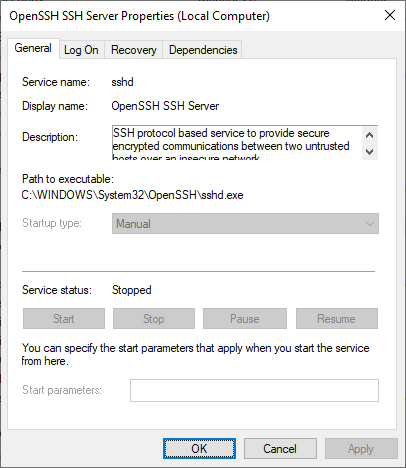
Install OpenSSH in Windows Server
Microsoft have released their OpenSSH port for Windows Server and Windows 10 back in 2015. Here is how to install the OpenSSH Server on Windows Server 2022, 2019 and 2016.
Quickly view all symbolic links, junction points and hard links in a folder using PowerShell
When you migrate a file server and transfer data, you may need to recreate junction points, as they cannot be copied using (for example) Robocopy.exe. This makes it a must to know where you have junction points, and NTFS hard and soft links. This is where PowerShell comes to the rescue.
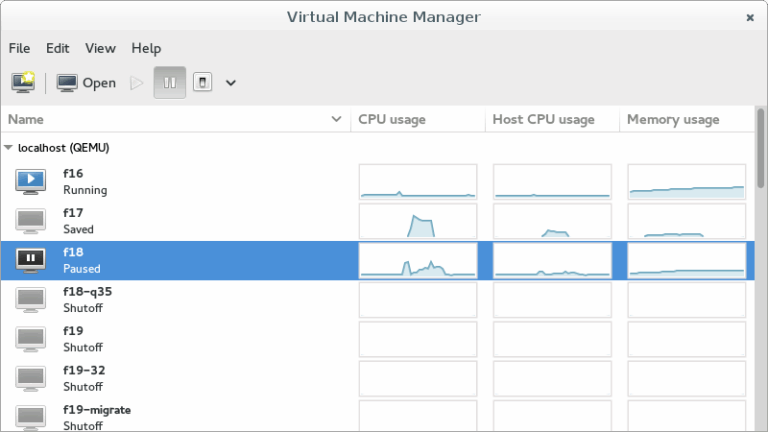
Managing KVM VMs with virt-manager on Windows
In this post, I will show you how to connect to your KVM VMs (virtual machines) in Windows 10 via SSH using virt-manager (Virtual Machine Manager) and qemu+ssh://. This allows you to manage your virtual machines from Windows.
Use -SearchBase with Get-ADComputer for faster results
Using -SeachBase with PowerShell's Get-ADComputer gives me faster results with AD DS queries.
Import .reg file in Windows Registry silently
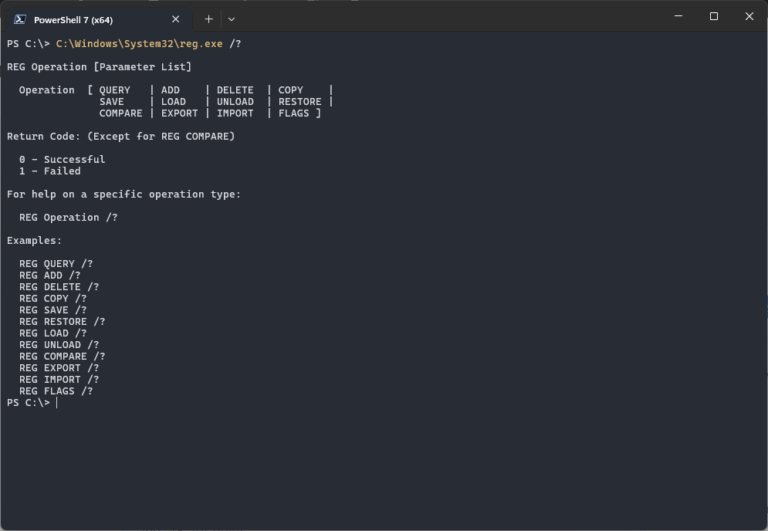
Learn how to silently import a .reg file into your Windows Registry. This neat regedit trick comes in handy quite often. The regedit command is valid for Windows 11, 10, Windows Server 2022, 2019 and older.
How to set SVN_EDITOR environment variable in Windows Server
Set SVN_EDITOR environment variable in Windows Server to resolve the svn error "None of the environment variables SVN_EDITOR, VISUAL or EDITOR is set, and no ‘editor-cmd' run-time configuration option was found."
How to: Determine installed .NET Framework versions
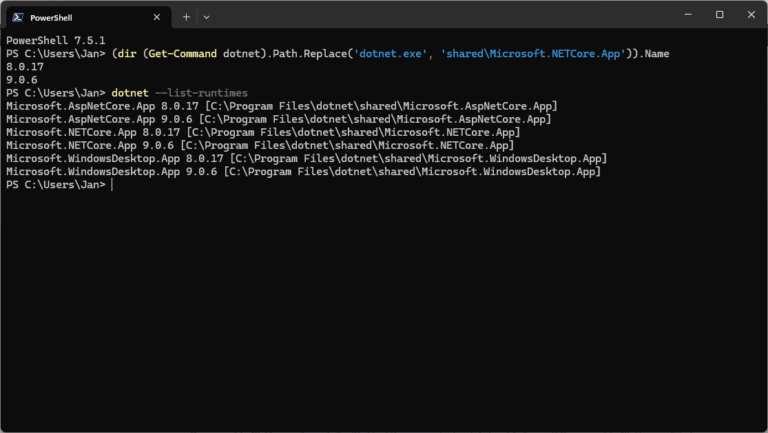
Users can install and run multiple .NET Framework versions on their computers. When you develop or deploy your app, you might need to know which .NET versions are installed on a machine and here is how to check the .NET version.
List all MAC addresses of all Hyper-V Virtual Machines
You sometimes need to list and get all MAC addresses of all Hyper-V virtual machines in your network. Either for your Hyper-V administration or provisioning if you don't set an unique MAC address automatically. Here is how to get all those MAC addresses easily with PowerShell.
Simple PowerShell introduction for Windows Server administration, automation and scripting
Windows PowerShell is an important tool in Windows Server for administrators. You can use PowerShell for Windows Server administration, software installation, automation, and shell/command-prompt scripting.
Install Varnish Cache on CentOS 6.7
In this article I’ll show you how to install Varnish Cache on CentOS, version 6.7 in this case. Varnish is a web application accelerator also known as a caching HTTP reverse proxy. You install it in front of any server that speaks HTTP and configure it to cache the contents.
Set IIS Application Pool recycle defaults to Specific Times, not Regular Time Interval
By default, an IIS application pool (or "AppPool") recycles on a regular time interval of 1740 minutes, or 29 hours. One reason for this time interval is that application pools don't recycle at the same moment every day (every day at 07.00 for example).