Windows Server
Last updated:
Install OpenSSH in Windows Server
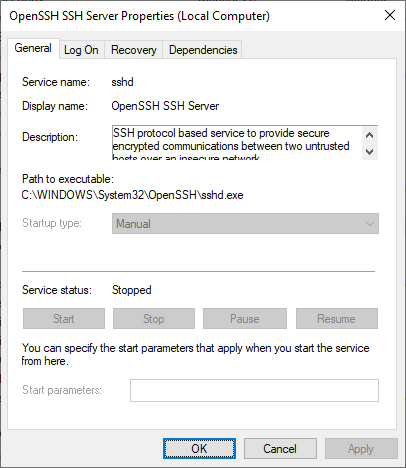
Learn how to install and enable the built-in OpenSSH Server on Windows, customize its installation directory and configure your sshd_config file.

 Jan Reilink
Windows Server
Last updated:
Learn how to install and enable the built-in OpenSSH Server on Windows, customize its installation directory and configure your sshd_config file.

Windows Server
Last updated:
Follow this if you have no more need for Windows Server IIS and want to remove IIS completely from Windows Server using PowerShell
Windows Server
Last updated:
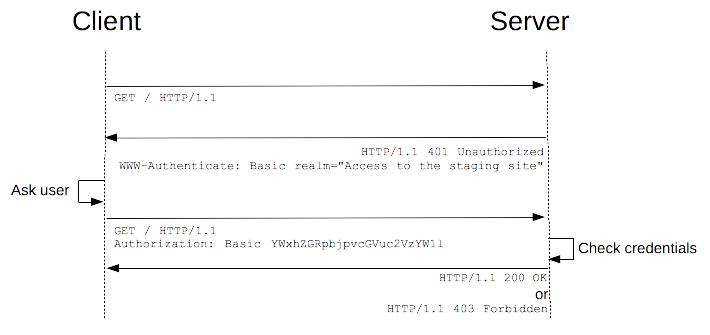
HTTP Basic Authentication managed module for IIS enables HTTP Basic Authentication with virtual user support in Windows Server IIS.

Windows Server
Last updated:
WSUS uses BITS for downloading updates, and it does so in background mode. Unfortunately, this utilizes remaining bandwidth of the server instead of its full capacity. To speed up WSUS downloads, you can configure BITS in WSUS to use foreground priority.
Web applications
Last updated:
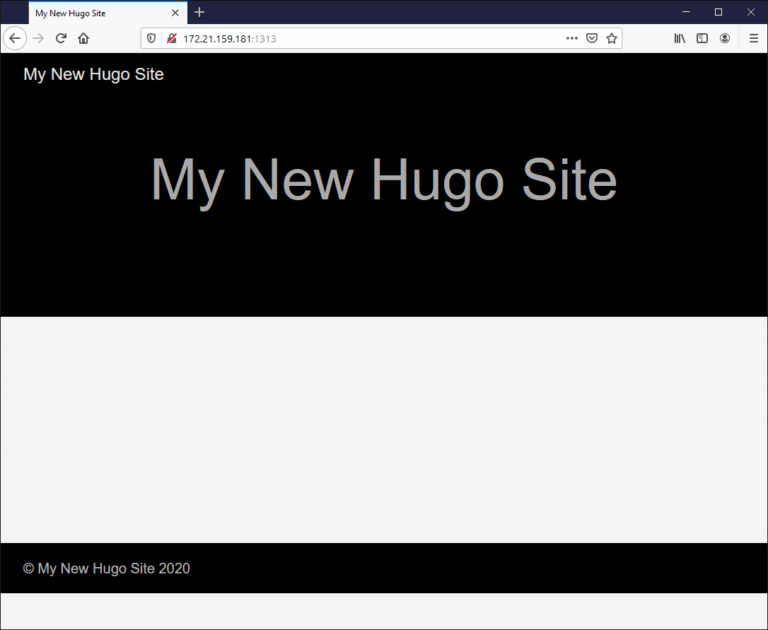
Using WSL 2 it is pretty easy to install Hugo in Windows, setting up your local webdevelopment environment and configure Hugo to listen on your Ubuntu's IP address, here is how.

Windows Server
Last updated:
When you migrate a file server and transfer data, you may need to recreate junction points, as they cannot be copied using (for example) Robocopy.exe. This makes it a must to know where you have junction points, and NTFS hard and soft links. This is where PowerShell comes to the rescue.
WordPress
Last updated:
A possible fix for the slow Yoast SEO DeleteDuplicateIndexables DELETE statement that times out on large WordPress databases.

WordPress
Last updated:
Show the number of registered WordPress users in a At-a-Glance widget. This is particular handy as an indicator of compromise (IoC), when a hacker has registered numerous new users in your WordPress database for spam purposes.

Windows Server
Last updated:
Find vulnerable WordPress plugins fast using PowerShell on Windows Server and IIS

WordPress
Last updated:
Securing the WordPress uploads folder is important. In many hacked WordPress sites, a PHP backdoor is found within the WP_CONTENT_DIR/uploads directory. Often because this is the location where uploads are placed automatically. From the backdoor within wp-content/uploads other backdoors are uploaded to various locations, and scripts are injected with malware.

Windows Server
Last updated:
In this post, I will show you how to connect to your KVM VMs (virtual machines) in Windows 10 via SSH using virt-manager (Virtual Machine Manager) and qemu+ssh://. This allows you to manage your virtual machines from Windows.

GNU/Linux
Last updated:
Generate random strings in Bash to use as strong passwords using this BASH function in your `.bashrc` file for easy usage.

Windows Server
Last updated:
This post contains some example WMI filters for you to use in Group Policy Objects (GPOs) to target and manage specific Windows Server versions like 2012R2, 2016 and Windows Server 2022 / 2019.
Windows Server
Last updated:
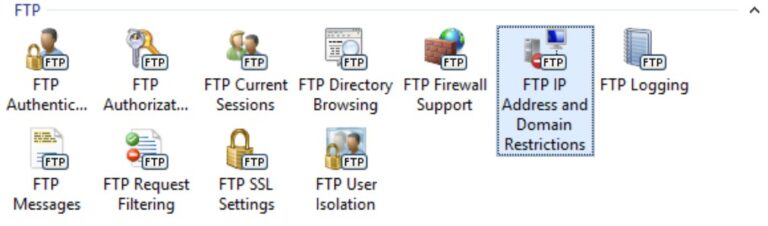
In this post I'll show you how to configure an IP allow list for IIS FTP Server using PowerShell, iisadministration and webadministration modules.

Codebase
Last updated:
Remove application folders from the website configuration in IIS whose physical path on the filesystem was removed, using PowerShell

Windows Server
Last updated:
Learn how to back up and restore IIS 10 webserver configuration with appcmd.exe and PowerShell

Codebase
Last updated:
MySQL Connector/NET and utf8mb4 character set can cause an exception System.Collections.Generic.KeyNotFoundException "The given key was not present in the dictionary".
WordPress
Last updated:
The Wordfence Live Traffic logging feature can cause high CPU usage and load issues for WordPress websites. Here is how to disable it.

Windows Server
Last updated:
Using -SeachBase with PowerShell's Get-ADComputer gives me faster results with AD DS queries.
