Windows Server
Last updated:
Install Windows Server Servicing Stack Updates (SSU) using PowerShell
Install Servicing Stack Updates (SSU) for Windows Server 2012R2, 2016 and Windows Server 2019 using PowerShell, without downtime.

 Jan Reilink
Windows Server
Last updated:
Install Servicing Stack Updates (SSU) for Windows Server 2012R2, 2016 and Windows Server 2019 using PowerShell, without downtime.

WordPress
Last updated:
Automatically flush Redis cache when you publishing a post or page in WordPress. Doing so ensures no more stale / cached content in WP.

Windows Server
Last updated:
A couple of years ago, I wrote a blog article about setting up Monit monitoring on an Ubuntu VM on Hyper-V. Now it's time to do the same, but then in Windows Subsystem for Linux, or WSL. So, without further ado, here is how to install and configure Monit monitoring in Windows 10 WSL.

Useful
Last updated:
Learn how to programmatically convert legacy Microsoft Access 2003 (.mdb) databases to the modern .accdb format using Classic ASP and the ACE engine. This guide provides essential scripts for performing online conversions and database maintenance directly on your IIS web server. It is an ideal solution for sysadmins managing legacy environments who need to upgrade data storage without local access to Microsoft Office.
Windows Server
Last updated:
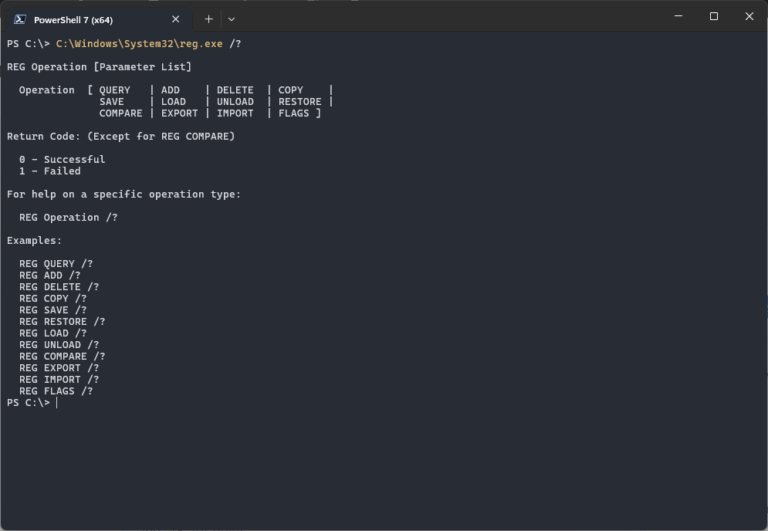
Learn how to silently import a .reg file into your Windows Registry. This neat regedit trick comes in handy quite often. The regedit command is valid for Windows 11, 10, Windows Server 2022, 2019 and older.

Umbraco
Last updated:
Umbraco 7 is a popular, ASP.NET powered, content management system (CMS). Out of the box Umbraco performs pretty well, but there are still some areas you need to tweak and tune for a more performant Umbraco website. Here are 11+ tips.

Security
Last updated:
Since Apache 2.4.6, a new module is used to configure and set up access control for websites: mod_authz_core. This means you have to use a different syntax for allowing or blocking hosts and IP addresses to your website. Apache Access Controle done right in WordPress .htaccess.
Windows Server
Last updated:
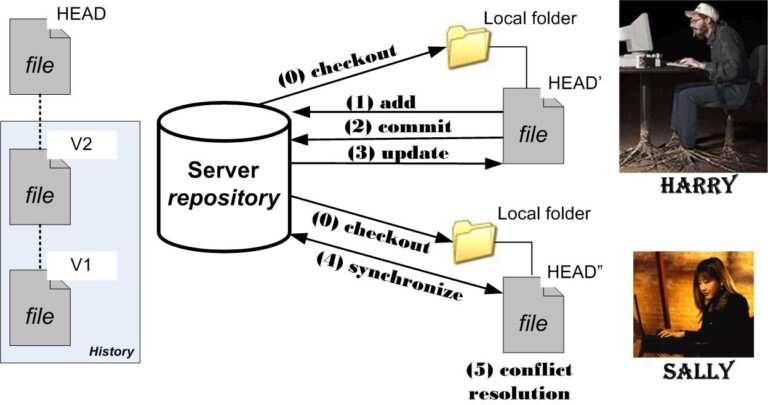
Set SVN_EDITOR environment variable in Windows Server to resolve the svn error "None of the environment variables SVN_EDITOR, VISUAL or EDITOR is set, and no ‘editor-cmd' run-time configuration option was found."

Windows Server
Last updated:
A manual SQL Server failover can only be initiated from the principal server, and the mirrored database must be synchronized (that is, when the database is in the SYNCHRONIZED state). In this article I will show you how to manual failover mirrored SQL Server databases using Transact-SQL (T-SQL) in SQL Server 2017 and up.

Codebase
Last updated:
Modern connection string examples for ASP.NET Core, Legacy ASP.NET, and Classic ASP. Learn how to use MSOLEDBSQL, ODBC 18, and fix MySQL UTF-8/Emoji support.

Codebase
Last updated:
Whenever you need to test your ASP.NET connection to your MySQL database, using ODBC, you can use the following C# test script. Currently it uses MySQL ODBC 8.0 Unicode Driver, but you can easily change the version used
Windows Server
Last updated:
Learn how to use Get-Item and Get-ItemProperty in PowerShell to work with file attributes, compare file versions and change timestamps.

Web applications
Last updated:
Connect securely to your MySQL database using PHP Data Objects (PDO); Here is how to connect to MySQL with PHP PDO using SSL.
Web applications
Last updated:
With PHP 7.1, some Joomla, WordPress and Drupal components fail with "[] operator not supported for strings". Here's how to fix this code for PHP 7.1+.

Windows Server
Last updated:
Using setspn.exe: 3 unique methods to list Service Principal Names (SPNs) in your Windows network quickly using PowerShell / CMD.exe. An SPN or Service Principal Name is a unique identity for a service, mapped with a specific account.

Windows Server
Last updated:
If a Windows Server 2016 guest VM on Hyper-V hangs while stopping after Windows Updates, and it won't reboot, it might be caused by the recovery debug information type set. Especially when you have moved the Windows PageFile to a different partition / VHDX

WordPress
Last updated:
How to increase the memory limit for your WordPress website, the right way. In this post I show you a correct way of setting WordPress WP_MEMORY_LIMIT and PHP memory_limit settings to improve Wordpress speed & performance.
Windows Server
Last updated:
Microsoft's January 2018 Meltdown and Spectre updates, like KB4056892, were only offered when the QualityCompat registry key was set by your anti-virus software.
Windows Server
Last updated:
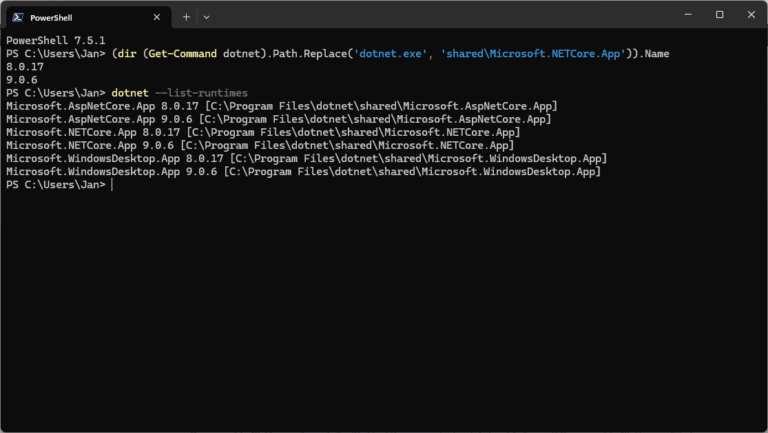
Users can install and run multiple .NET Framework versions on their computers. When you develop or deploy your app, you might need to know which .NET versions are installed on a machine and here is how to check the .NET version.

GNU/Linux
Last updated:
The postsuper command controls different types of queues in the Postfix mail system, like the deferred or hold queue. This post shows you some Postfix queue operations to maintain your mail servers.