
Windows Server
Last updated:
WMI/netsh to add DNS servers on network adapters
How to add DNS servers to a Windows Server network adapter using WMI, netsh and PowerShell, for both IPv4 and IPv6 addresses.

PowerShell Scripts & Automation Guides for Sysadmins
Welcome to the central repository for PowerShell automation and scripting guides on saotn.org. As environments scale, manual configuration becomes a bottleneck. PowerShell is the definitive tool for Windows Server administration, IIS management, and cloud infrastructure automation.
Whether you are looking to deploy rapid security fixes, automate your monthly update cycles, or streamline your local DevOps workflow, these practical, real-world scripts are designed to save you time and eliminate repetitive tasks.
Core Automation Categories
To help you navigate through the collection, our top-performing PowerShell resources are grouped by technical focus:
Windows Server & Active Directory Management: Automate core infrastructure tasks. Learn how to list all SPNs used in your Active Directory or fetch SSH keys seamlessly.
IIS & Web Infrastructure: Skip the IIS Manager GUI. From installing IIS on Windows 11 to programmatically adjusting advanced application pool settings, master command-line web administration.
Windows Update & WSUS Automation: Keep your fleet secure without the clicking. Streamline your patch management with deep-dives like installing Windows Updates via PowerShell and deploying Servicing Stack Updates (SSU).
Security & Network Administration: Harden your network endpoints. Use scripts to manage Windows Firewall rules or execute HTTPS GET requests with SSL client certificates safely.
Browse the chronological list of all PowerShell articles, snippet breakdowns, and troubleshooting guides below. All code blocks are verified, production-ready, and optimized for modern Windows environments.
Windows Server
Last updated:
How to add DNS servers to a Windows Server network adapter using WMI, netsh and PowerShell, for both IPv4 and IPv6 addresses.

Windows Server
Last updated:
ECN is an optional feature that may be used between two ECN-enabled endpoints when the underlying network infrastructure also supports it. Unfortunately, having one ECN Capability enabled endpoint may slow down outbound network connections to outdated network equipment.

Windows Server
Last updated:
In this article you'll learn how to start all stopped application pools that have the ApplicationPool.AutoStart property set to $True using AppCmd.exe or PowerShell. This is something you often or occasionally have to perform on various servers, for example when an application pool hangs.

Web applications
Last updated:
Outdated but fun: PHP 7 with OPcache in IIS Express for Microsoft WebMatrix 3: create your DevOps with Microsoft WebMatrix and IIS Express
Windows Server
Last updated:
Windows Server IIS loves to tell the world that a website runs on IIS. It does so with the "Server:" header in the HTTP response, as shown below. In this post I'll show you how to remove HTTP response headers in Windows Server IIS. You don't want to give hackers too much information about your servers, right?.

Windows Server
Last updated:
Enable WebSockets in IIS 8 and later, IIS 10 too: Install-WindowsFeature on Windows Server, Enable-WindowsOptionalFeature on Windows 10 and 11.

Codebase
Last updated:
Investigate SMTP authentication issues like a boss! When using TLS encrypted SMTP connections, it's always handy if you are able to create a SMTP logon credentials and test SMTP authentication over a TLS/StartTLS connection. Preferably from your command-prompt.

Windows Server
Last updated:
The Forfiles command on Windows selects and executes a command on a file or set of files. Forfiles is ideal for batch processing through scripts, for instance on Windows Server systems. With Forfiles, you can run a command on or pass arguments to multiple files. For example, you could run the type or del command on all files in a tree with the .txt extension.
Codebase
Last updated:
How to use PowerShell to add websites and application pools in IIS

Windows Server
Last updated:
The length of the URL for this request exceeds the configured maxUrlLength value is an IIS error telling you the length of the given URL exceeds a limit (...).
Windows Server
Last updated:
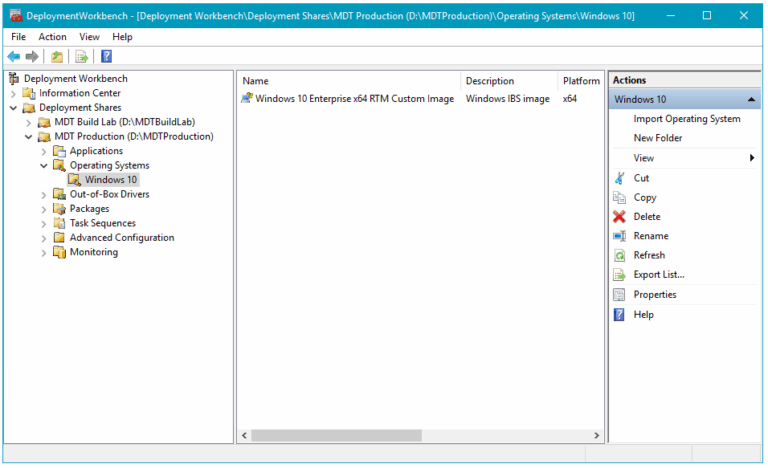
Silently deploy applications through Windows Deployment Services (WDS) / Microsoft Deployment Workbench
Windows Server
Last updated:
If "The tracking (workstation) service is not running" error is displayed after an iisreset, here is how to fix that.