
Enabling Windows Defender per GPO failed with an error message: "Get-MpComputerStatus : The extrinsic Method could not be executed.". Here is how to resolve this issue.
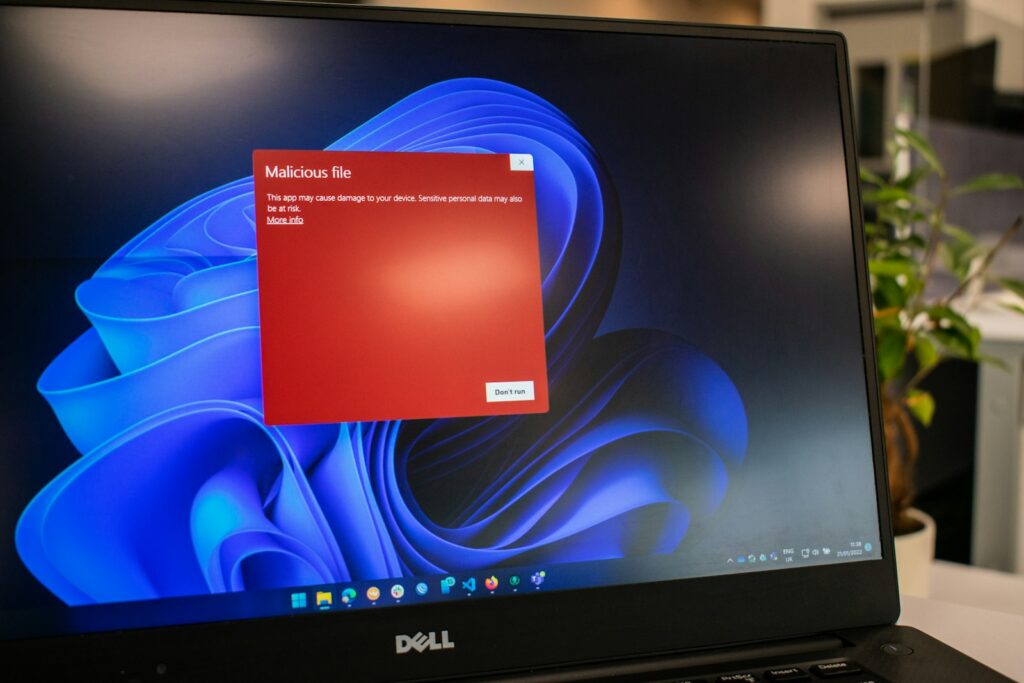
Here is how I resolved the error message "Get-MpComputerStatus : The extrinsic Method could not be executed.", in my specific situation.
I had Windows Defender Antivirus disabled per GPO:
- "Turn off Windows Defender Antivirus"
In Computer Configuration/Administrative Templates/Windows Components/Windows Defender Antivirus). And I wanted to enable Windows Defender in a new GPO, on a specific set of computers in an OU.
After I disabled the referenced GPO setting, I specifically enabled Windows Defender on that set of computers (OU). However, I still couldn't enable Windows Defender, start its services, or retrieve its status.
Mehh… It errored out:
Get-MpComputerStatus : The extrinsic Method could not be executed.
At line:1 char:2
+ (Get-MpComputerStatus).AMServiceEnabled
+  ~~~~~~~~~~~~~~~~~~~~
    + CategoryInfo          : MetadataError: (MSFT_MpComputerStatus:ROOT\Microsoft\...pComputerStatus) [Get-MpComputer
   Status], CimException
    + FullyQualifiedErrorId : MI RESULT 16,Get-MpComputerStatus
Get-MpComputerStatus : The extrinsic Method could not be executed.
Windows Defender: Turn off routine remediation.
The fix? Enable Windows Defender using MpCmdRun.exe located in C:\Program Files\Windows Defender:
C:\Program Files\Windows Defender\MpCmdRun.exe -wdenableAnd reboot your computer or server.
This forces Defender to start and allows Get-MpComputerStatus to work again. If the issue persists due to a broken CIM provider, re-register the ProtectionManagement.dll:
$DefenderNamespace = "root\Microsoft\Windows\Defender"
$PlatformPath = Join-Path $env:ProgramData "Microsoft\Windows Defender\Platform"
$LatestDir = Get-ChildItem $PlatformPath -Directory | Sort-Object LastWriteTime -Descending | Select-Object -First 1
$DllPath = Join-Path $LatestDir.FullName "ProtectionManagement.dll"
Register-CimProvider -ProviderName ProtectionManagement `
   -Namespace $DefenderNamespace `
   -Path $DllPath `
   -Impersonation True `
   -HostingModel LocalServiceHost `
   -SupportWQL `
   -ForceUpdate
After re-registering, retry:
Get-MpComputerStatusThis restores the WMI interface for Defender status queries.
Key Takeaways
- The error 'Get-MpComputerStatus: The extrinsic Method could not be executed' occurs when trying to enable Windows Defender via GPO.
- Disabling the 'Turn off Windows Defender Antivirus' setting in GPO doesn't immediately solve the issue.
- To fix it, enable Windows Defender using MpCmdRun.exe and then reboot the computer or server.
- If the problem persists, re-register ProtectionManagement.dll to restore the WMI interface for Defender status queries.