Windows Server

Last updated:

How to: Determine installed .NET Framework versions

Users can install and run multiple .NET Framework versions on their computers. When you develop or deploy your app, you might need to know which .NET versions are installed on a machine and here is how to check the .NET version.

Microsoft SQL Server logo

Windows Server

Last updated:

How to determine if a SQL Server backup is compressed?

Compressed SQL Server backups can be verified in PowerShell using a handy PowerShell function. This comes in handy when you need to verify if existing SQL Server backups are compressed.

four hardbound books - book archive

Windows Server

Last updated:

How to unzip a file in PowerShell

Unzip a file on your PowerShell command-prompt may come in handy sometimes, even on your Windows 11/10 workstation. Use Expand-Archive for this, and all that is required is PowerShell 5.0+, or the .NET 4.5+ Framework to use System.IO.Compression.ZipFile.

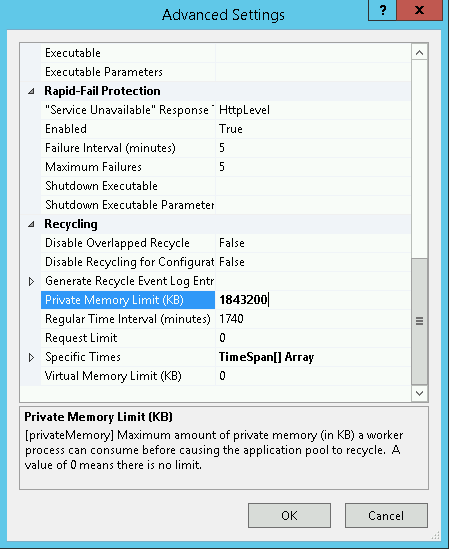
WSUS IIS Application Pool Advanced Settings

Windows Server

Last updated:

WsusPool keeps crashing: stops again and again

WSUSPool keeps stopping? Sometimes you find your WSUS server keeps crashing over and over again. The WSUS application pool periodically stops, WSUS is unavailable and/or the WSUS management console hangs.

Windows Server

Last updated:

Detect ethernet network speed in Windows

Being able to detect the ethernet network speed using PowerShell or WMI is perfect for Windows Server Core. If you ever need to lookup the speed of your ethernet network card in Windows, on the command-prompt, use one of the following PowerShell / WMIC commands.

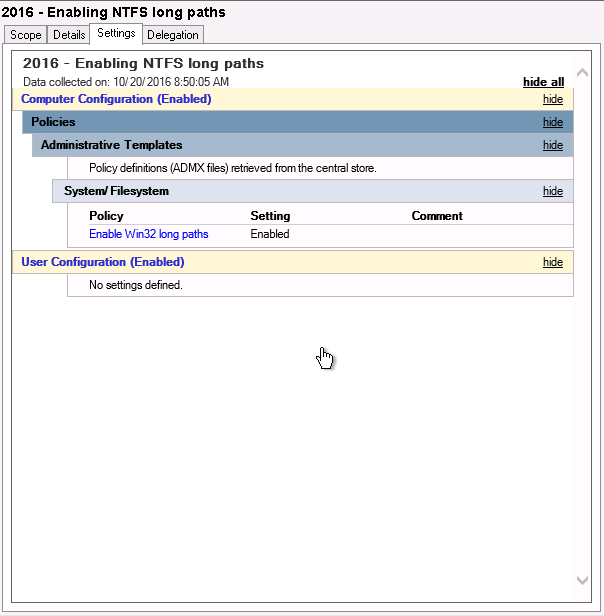
Enable Win32 long paths through GPO in Windows Server

Windows Server

Last updated:

Enable NTFS long paths through GPO in Windows Server

Windows Server 2016 was released last week, meaning we can finally lift the idiotic 260 characters limitation for NTFS paths. For this, you use a GPO or Group Policy Object in Windows Server.

Windows Server

Last updated:

Free up disk space in Windows Server – 5 extra methods

In this post I provide you with 5 ways to cleanup files and free up disk space in Windows Server 2016 (and older / newer Windows Server version), without using the Disk Cleanup Utility. Reclaim lots of lost gigabytes easy. Disk space usage is still an issue in Windows Server.

Windows Server

Last updated:

List all MAC addresses of all Hyper-V Virtual Machines

You sometimes need to list and get all MAC addresses of all Hyper-V virtual machines in your network. Either for your Hyper-V administration or provisioning if you don’t set an unique MAC address automatically. Here is how to get all those MAC addresses easily with PowerShell.

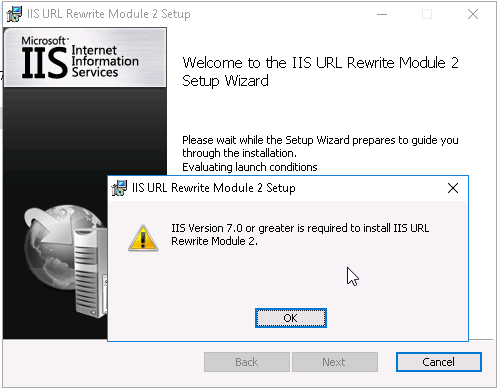
IIS URL Rewrite Module error: IIS Version 7.0 or greater is required to install IIS URL Rewrite Module 2.

Windows Server

Last updated:

How to install IIS URL Rewrite Module on Windows Server 2016 & IIS 10

When you start to play with Windows Server 2016 and IIS 10, you’ll get an error when you try to install the IIS URL Rewrite Module in IIS. The error occurs because the URL Rewrite Module installer contains an invalid version check for the IIS being used. Here is how to install IIS URL Rewrite Module 2 in IIS 10…

Swiss Army knife, a red and silver multi tool

Windows Server

Last updated:

AppCmd introduction and examples

The AppCmd.exe command is your one-stop-shop for administering Windows Server IIS web servers. In combination with WinRM it is your Swiss Army knife for your daily routine. This post introduces appcmd and provides you with a lot of helpful appcmd examples.

Microsoft Driver fro SQL Server 2.0 architecture (SQLSRV and PDO_SQLSRV)

Windows Server

Last updated:

How to install Microsoft’s SQL Server Driver for PHP

This post walks you through the steps necessary to install the SQL Server driver and SQLSRV extension for PHP, on Windows Server IIS of course. Using modern PIE installation method.

Windows Server

Last updated:

Important Windows Maintenance – 7+ Tips

Regular maintenance of a Windows computer significantly improves performance and reliability. Manual execution of maintenance tasks complements the automatic maintenance already scheduled by Windows, giving users greater control over how system resources are managed and how repairs are conducted. This article explains how to use tools such as SFC, DISM, CHKDSK, and disk defragmentation.

Windows Server

Last updated:

How to block BaiduSpider bot User-Agent?

Learn to block Baidu spider (BaiduSpider user agent) properly, because it is a real pain to block. Especially since Baidu does not respect `robots.txt` as it should. This post shows you how to block Baidu Spider bot, using IIS URL Rewrite Module based on its User-Agent string.