Monitor IIS application pools in Zabbix, part 1
Here is a small introduction to query the number of running w3wp.exe processes per IIS application pool in Zabbix so you can start monitoring Microsoft Windows Server IIS with Zabbix.

Here is a small introduction to query the number of running w3wp.exe processes per IIS application pool in Zabbix so you can start monitoring Microsoft Windows Server IIS with Zabbix.

WSUSPool keeps stopping? Sometimes you find your WSUS server keeps crashing over and over again. The WSUS application pool periodically stops, WSUS is unavailable and/or the WSUS management console hangs.

The AppCmd.exe command is your one-stop-shop for administering Windows Server IIS web servers. In combination with WinRM it is your Swiss Army knife for your daily routine. This post introduces appcmd and provides you with a lot of helpful appcmd…

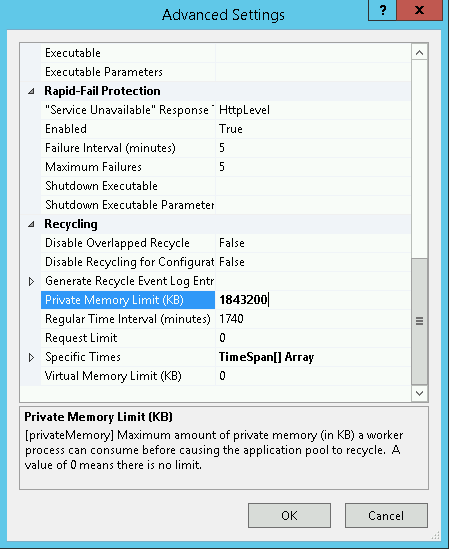
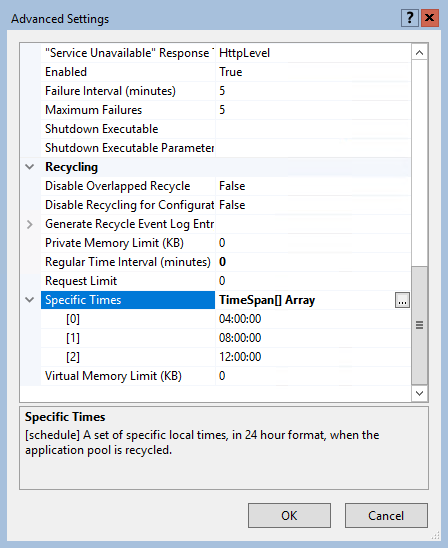
By default, an IIS application pool (or "AppPool") recycles on a regular time interval of 1740 minutes, or 29 hours. One reason for this time interval is that application pools don't recycle at the same moment every day (every day at 07.00 for example).

In this article you'll learn how to start all stopped application pools that have the ApplicationPool.AutoStart property set to $True using AppCmd.exe or PowerShell. This is something you often or occasionally have to perform on various servers, for example when an application pool hangs.