Disable ECDH public server param reuse in Windows Server IIS
Windows Server IIS is known for reusing DH key values, but there is a way to disable ECDH public server param reuse in Windows Server IIS and here is how.
Technical SysOps blog, where topics include Sysadmin, DevOps, computers, servers, web, MySQL, database, virtualization, optimization and security
Technical SysOps blog, where topics include Sysadmin, DevOps, computers, servers, web, MySQL, database, virtualization, optimization and security
Windows Server IIS is known for reusing DH key values, but there is a way to disable ECDH public server param reuse in Windows Server IIS and here is how.
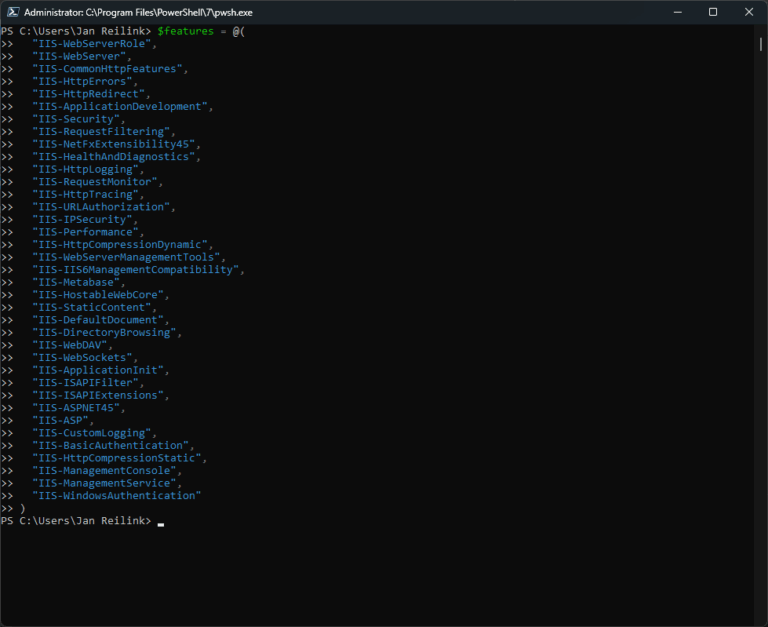
Have a need for IIS in your Windows 11 development station, and now you wonder how to install IIS? Here I describe how you can easily install IIS and some modules using PowerShell

Zabbix is a great tool to monitor your website performance on IIS using Performance Counters, PowerShell and WMI.

The following PowerShell snippet can be used to quickly install an SSL (or TLS) certificate in Windows Server. It assumes you have a PFX file and its password. The default location is Cert:\LocalMachine\My, to use for IIS websites.

In this small post I'll guide you through the various Windows Server and IIS configuration settings, for an optimized network performance, high performance websites and high volume of web requests.

Whether you run a .NET web application or administer a webserver that hosts .NET web applications, it is important to keep an eye out for memory usage. As developers and systems administrators we're all too familiar with OutOfMemoryException. As the name suggests, the exception is thrown when a .NET application runs out of memory, something you don't want to happen.

Out of the box, Umbraco is a well built and pretty fast content management system. However, it is still important you perform some steps to further optimize Umbraco's performance and loading speed.

Here are 3 ways of blocking access to a PHP sendmail.php script on your Windows Server IIS webserver. This comes in handy if a websites on your webserver sends out spam and you need to block access to a script on a specific website or globally in IIS.

Native support for HTTP/3 in Windows Server 2022, jeej! Host HTTP/3 web services in Windows

Use IIS Manager to administer various components of your website through a graphical user interface (GUI) if it's hosted in Windows Server IIS. In this article you'll learn how to install and setup IIS Manager in Windows 11/10 to manage your website(s).
Zabbix monitoring for your websites and ASP.NET applications in IIS using _Process Performance Counter.
When you host multiple websites in IIS, and you need to monitor them, Zabbix is one of your options. In Zabbix, you can take advantage of Windows Server performance counters. And in this article I show you some important Windows performance counters you can use to monitor your ASP.NET web application in Zabbix.
Here is a small introduction to query the number of running w3wp.exe processes per IIS application pool in Zabbix so you can start monitoring Microsoft Windows Server IIS with Zabbix.

Follow this if you have no more need for Windows Server IIS and want to remove IIS completely from Windows Server using PowerShell
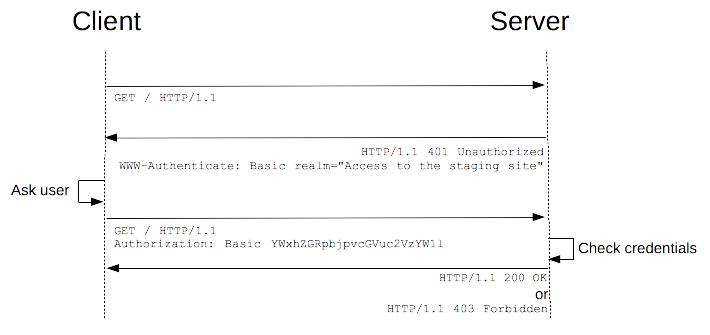
HTTP Basic Authentication managed module for IIS enables HTTP Basic Authentication with virtual user support in Windows Server IIS.
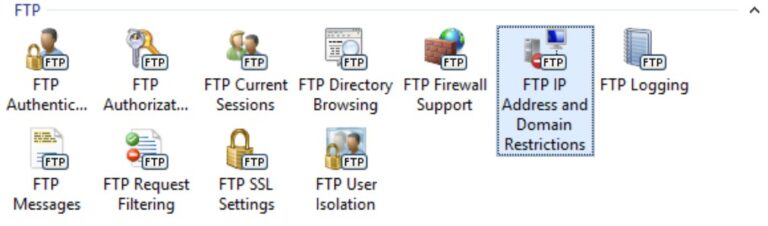
In this post I'll show you how to configure an IP allow list for IIS FTP Server using PowerShell, iisadministration and webadministration modules.

Learn how to back up and restore IIS 10 webserver configuration with appcmd.exe and PowerShell

Umbraco 7 is a popular, ASP.NET powered, content management system (CMS). Out of the box Umbraco performs pretty well, but there are still some areas you need to tweak and tune for a more performant Umbraco website. Here are 11+ tips.
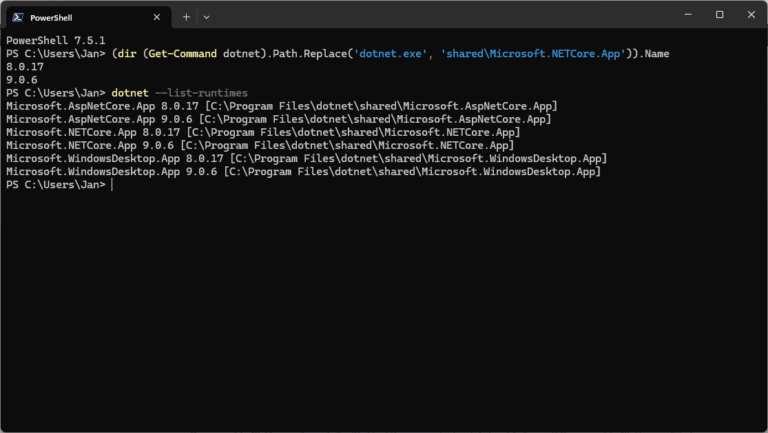
Users can install and run multiple .NET Framework versions on their computers. When you develop or deploy your app, you might need to know which .NET versions are installed on a machine and here is how to check the .NET version.
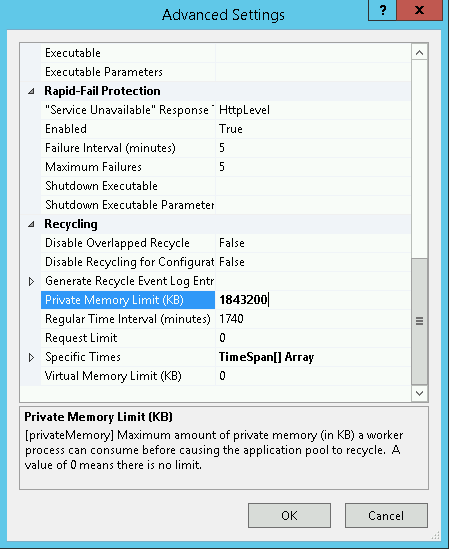
WSUSPool keeps stopping? Sometimes you find your WSUS server keeps crashing over and over again. The WSUS application pool periodically stops, WSUS is unavailable and/or the WSUS management console hangs.